Control Scheme
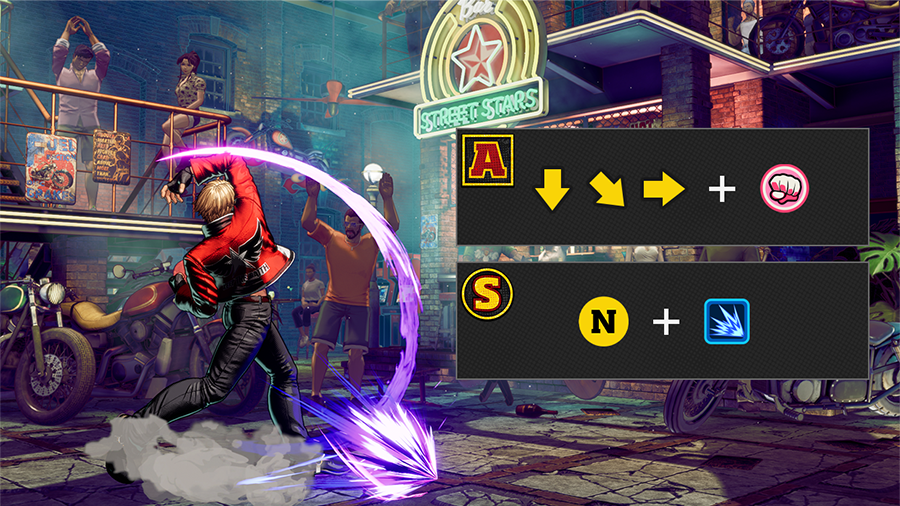
There are two control schemes available in FATAL FURY: City of the Wolves.
Arcade Style
For more technical fighting. Tap into a rich arsenal of moves and combos—your opponents won't know what hit them!
Smart Style
For more accessible fighting. Perform special moves at the push of a button and quick auto-combos with ease. Perfect for beginners too!
Pick a style and scheme that suits you!
Gauges
S.P.G.
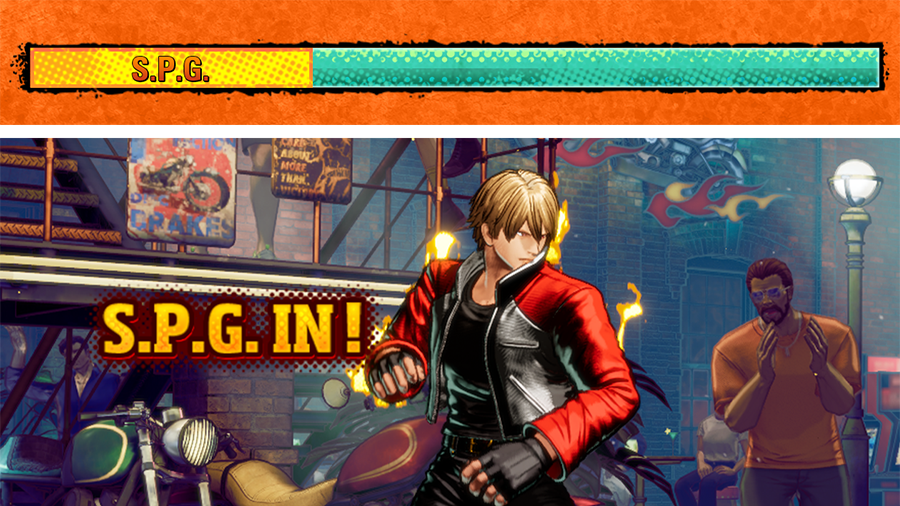
Before each match you'll assign S.P.G. to one of three positions: Accel Ratio, Flux Ratio, or Final Ratio.
Active S.P.G. buffs your character in various ways (stronger offense/defense, access to powerful moves like REV Blows and Hidden Gears, and so on).
Power Gauge
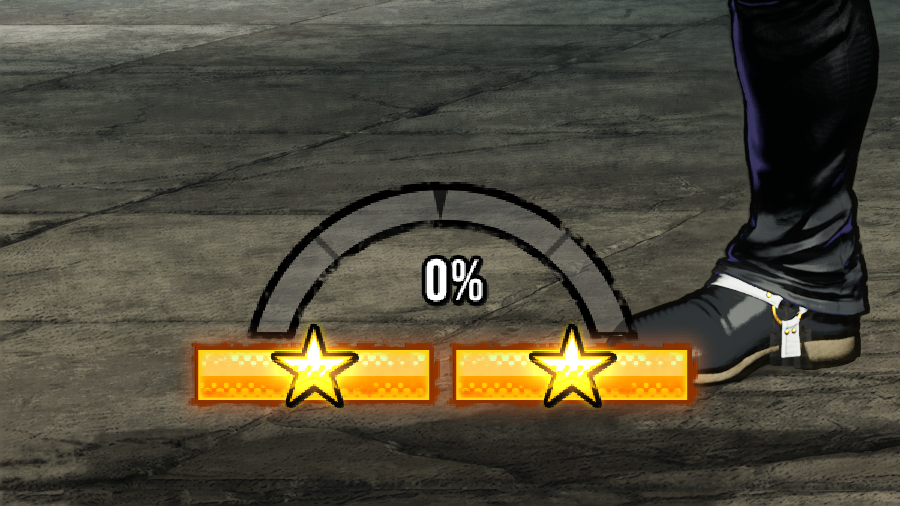
Fill this to perform Ignition Gears and other super moves. You can stock up to two power gauge bars.
The gauge builds up when you perform certain actions (attack, block, and so on).
REV Meter
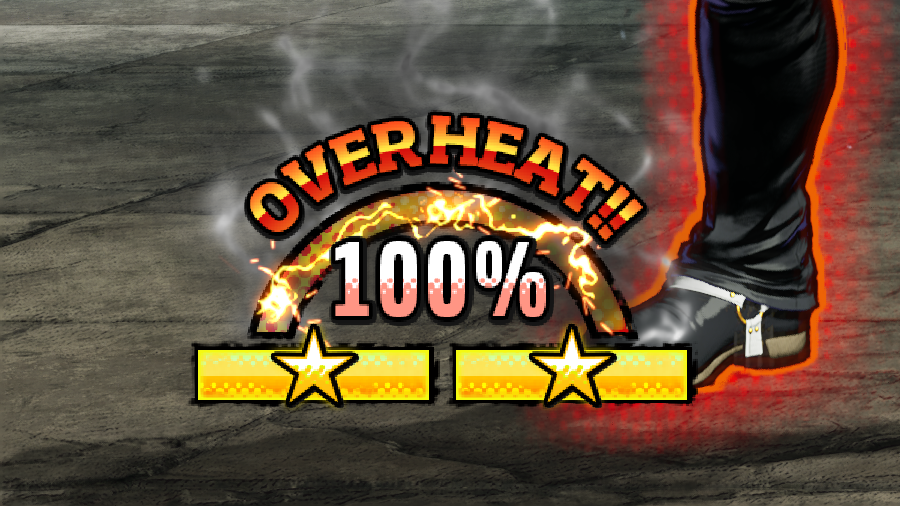
The REV Meter increases when you block normally or perform REV actions (such as REV Blows, REV Guard, and REV Arts).
When the REV Meter maxes out, your character will overheat. This has the following disadvantages:
- REV actions become unavailable.
- The guard gauge decreases when blocking hits.
└ When the guard gauge reaches zero, a guard crush will occur.
Overheated characters will cool down once the REV Meter fully lowers to 0%.
To cool down faster, get in close to opponents and land hits.
Battle Mechanics
* Default directions and buttons on PS5™ when the character is facing right (i.e. is on the Player 1 side).
Normal Move
Arcade Style
- □ or △ or × or 〇 (press ↓ before the attack button for a crouching attack)
Smart Style
- □ or ×, → + □ or × (press ↓ + □ or △, ↘ + □ or △ for a crouching attack)
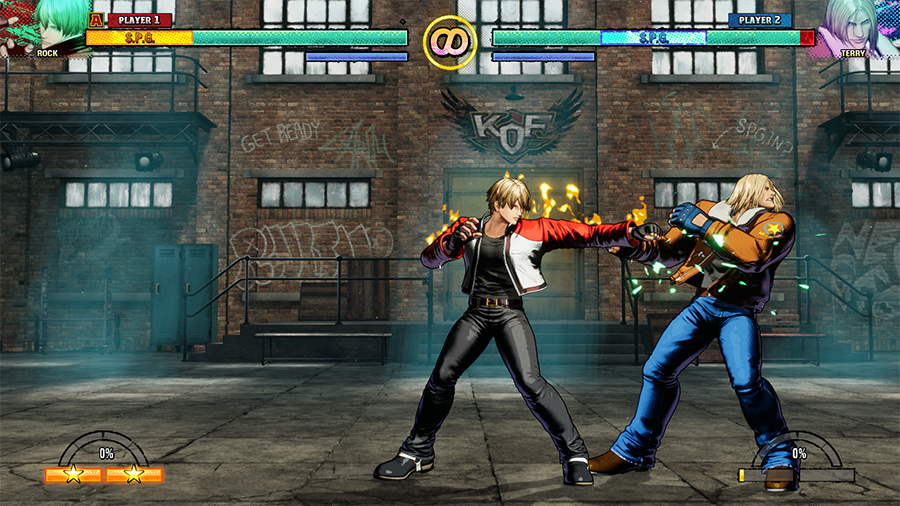
Press a punch or kick button to execute a normal attack.
In Arcade Style, the performed action depends on how far away the opponent is.
Special Move
Arcade Style
- Input a specific command
Smart Style
- △ or (Directional button) + △
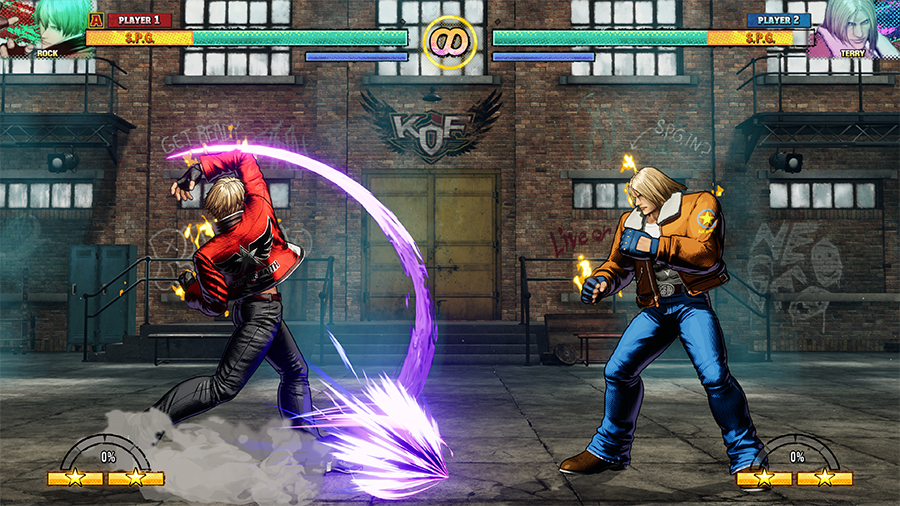
In Arcade Style, each character has special moves that can be performed with a combination of directional inputs (such as ↓↘→) and buttons. Light and heavy button versions have different properties.
In Smart Style, you can perform special moves by pressing △ on its own, or a directional button followed by △.
REV Blow (Grounded or Midair)
Arcade Style
- (During S.P.G.) △〇
Arcade Style
- (During S.P.G.) △〇
Smart Style
- (During S.P.G.) R2
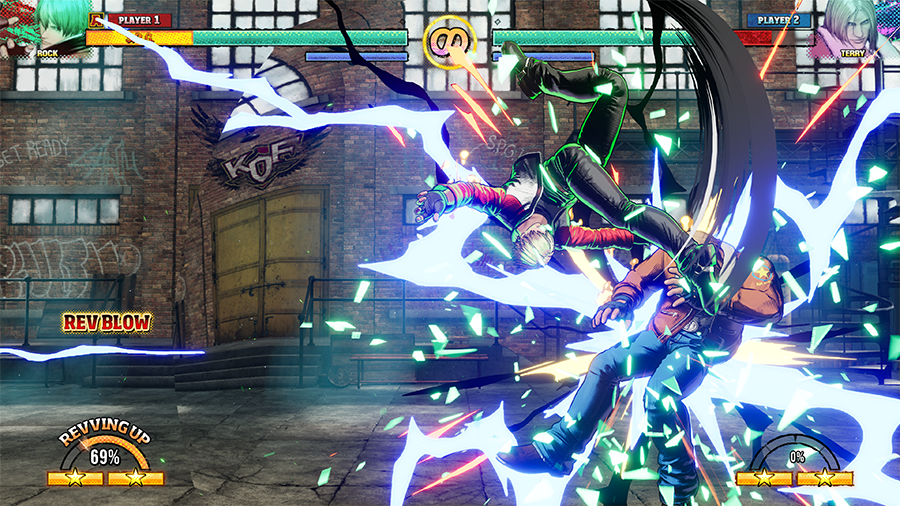
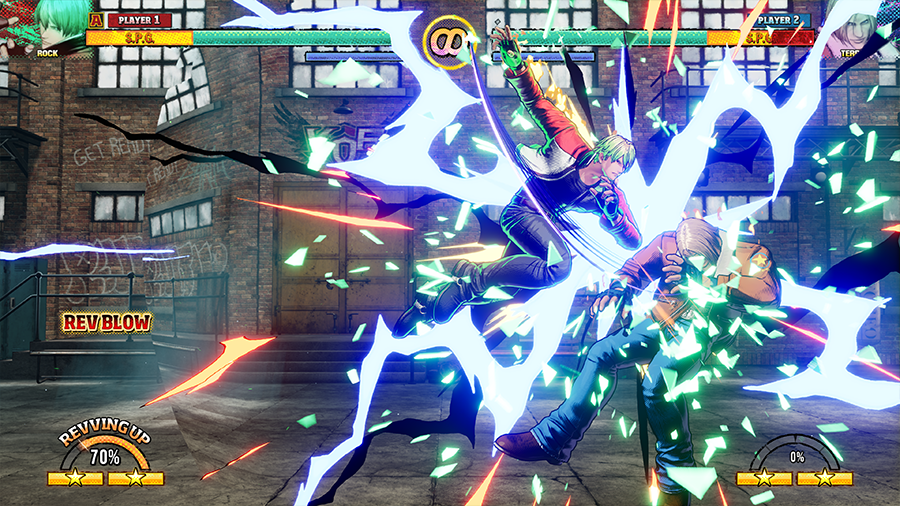
REV Blows are hard-hitting strikes that let you brush off enemy attacks while delivering a powerful blow. Offense and defense in one!
Input the command while jumping to do a midair REV Blow. You can even combo into it after REV Arts and Combination Attacks.
- (REV Blows can only be used while S.P.G. is active.)
REV Art
Arcade Style
- When inputting the command for a special move, press the corresponding buttons simultaneously (□△ or ×〇).
Smart Style
- □△ or (Directional button) + □△
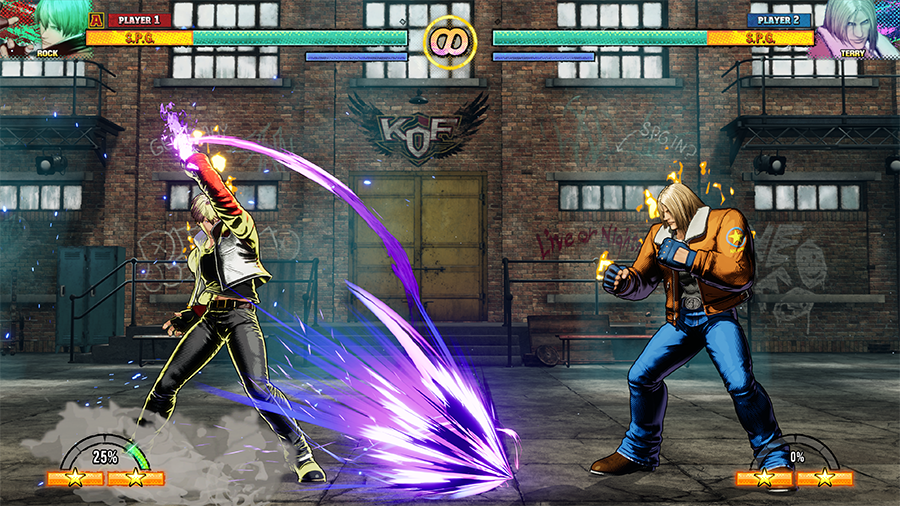
REV Arts are stronger versions of special moves. They fill your REV Meter on use. To perform a REV Art, do the special's motion input but press two attack buttons simultaneously.
REV Accel
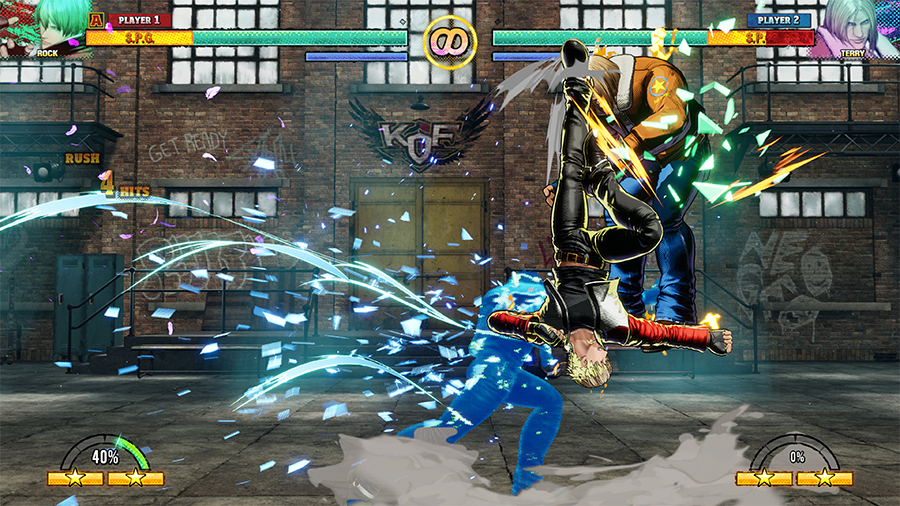
This mechanic lets you combo REV Arts into other REV Arts (or a REV Blow) at the cost of additional REV Meter.
Choose the best combo for your style of play—just keep an eye on your REV Meter!
REV Accels consume less REV Meter than when doing REV Arts individually. Don't hesitate to incorporate them into your game plan!
Dodge Attack
Arcade Style/High Dodge Attack
- ↓ + R1 △
Arcade Style/Low Dodge Attack
- R1 △
Smart Style/High Dodge Attack
- ↓ + L2
Smart Style/High Dodge Attack
- ↓ + L2
Smart Style/Low Dodge Attack
- R1 △
Smart Style/Low Dodge Attack
- L2
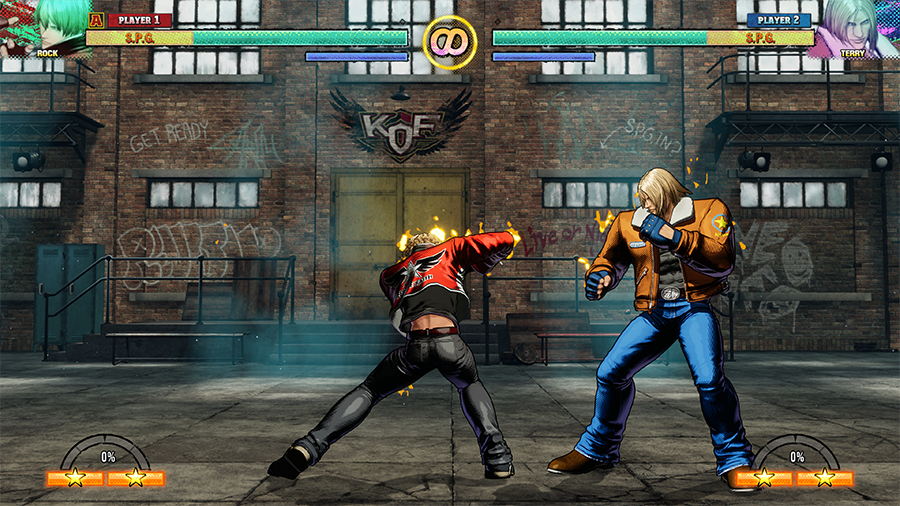
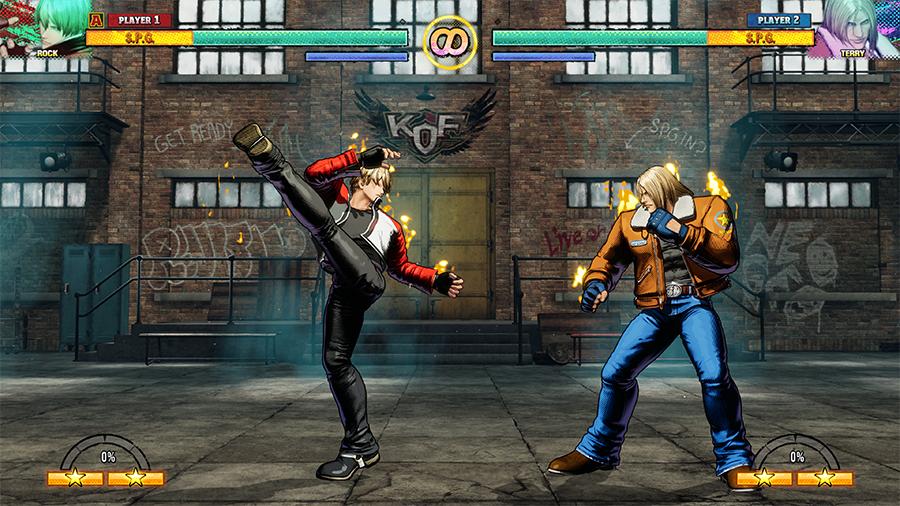
Dodge Attacks let you evade incoming offense while punishing the opponent.
They work well against enemy normals and specials, but that's not all. You can also use them as a REV Blow countermeasure, and as a way to open up crouching opponents.
Feint
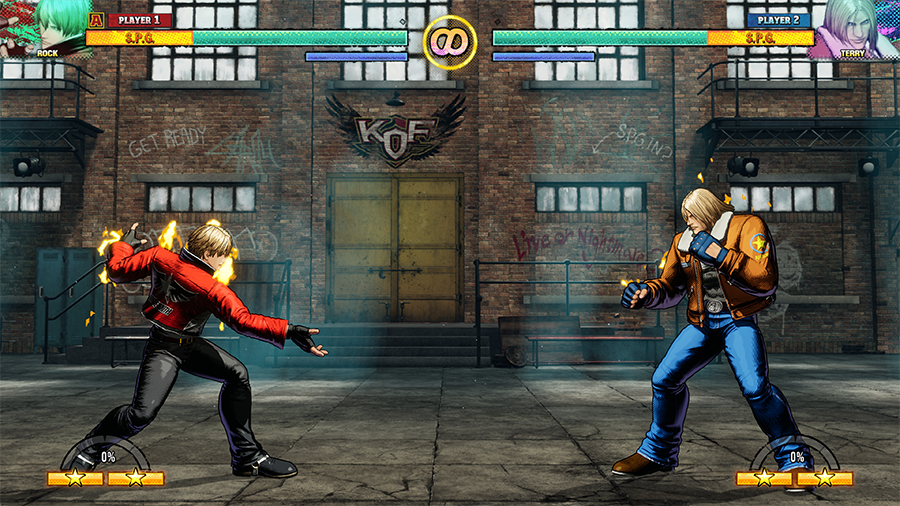
Arcade Style
- (Directional button) + R1 〇
Smart Style
- R1 〇
Pretend to do a special move without actually following through.
Feint to bait opponents into blocking or performing a REV Blow, opening them up to potential offense.
Brake
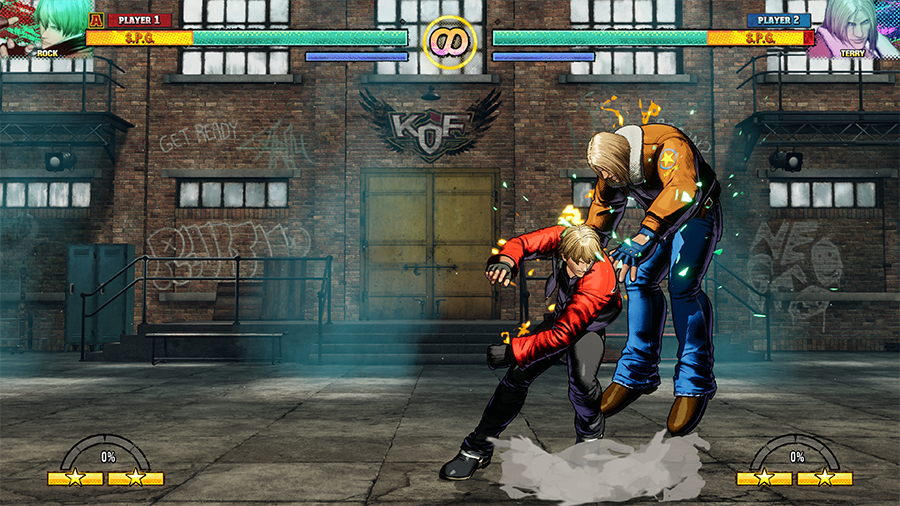
Arcade Style
- (During some special moves) R1 or □×
Smart Style
- (During some special moves) R1 or □×
Use this technique to stop special moves midway through.
Braking can be used for various purposes: shake up an opponent's block attempt, quickly combo into other moves to confuse opponents, and more.
Ignition Gear
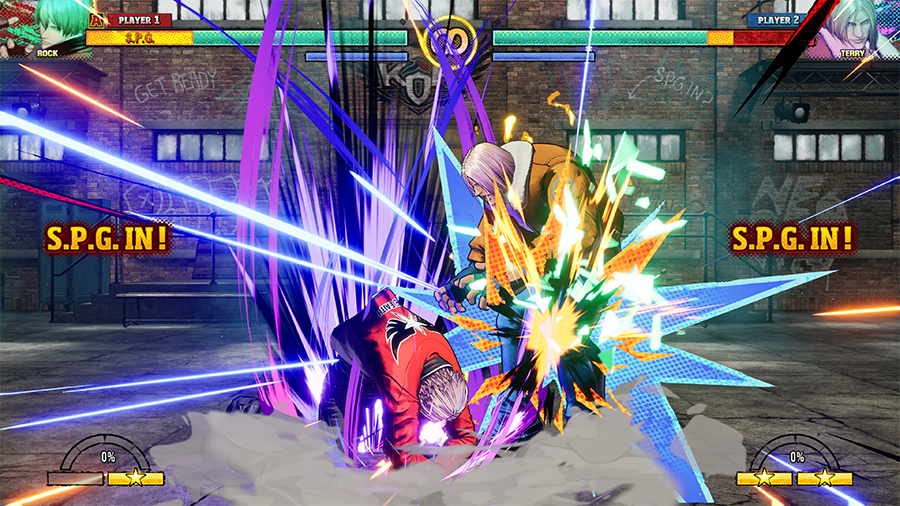
Arcade Style
- ↓↘→↓↘→ + □ or ↓↘→↓↘→ + ×
Smart Style
- △〇 or ←+△〇
- Smart Style can also use the same input as Arcade Style.
A powerful super move that consumes one power gauge bar.
Redline Gear
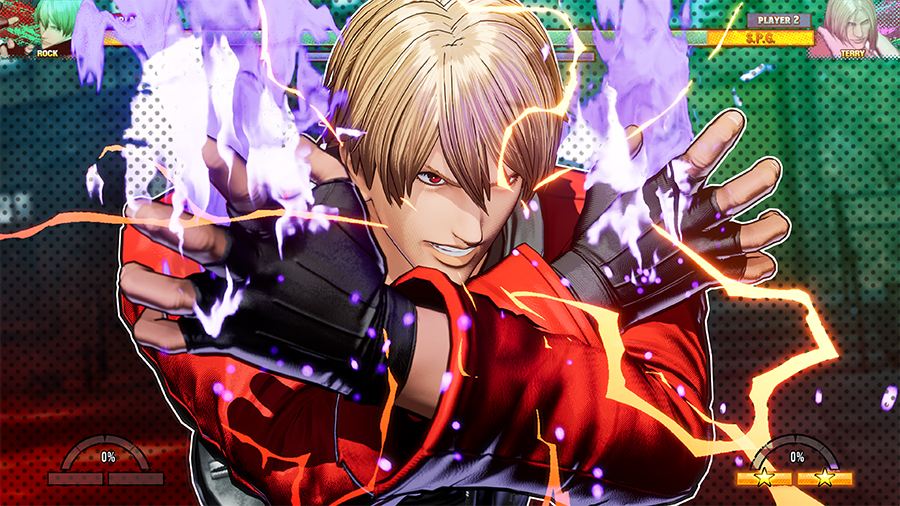
Arcade Style
- ↓↘→↓↘→ + △ or ↓↘→↓↘→ + 〇
Smart Style
- △〇 or ←+△〇
An even more devastating super move that consumes two power gauge bars.
- In Smart Style, if you have two full power gauge bars when you input the command, the more powerful Redline Gear version will come out instead.
Hidden Gear
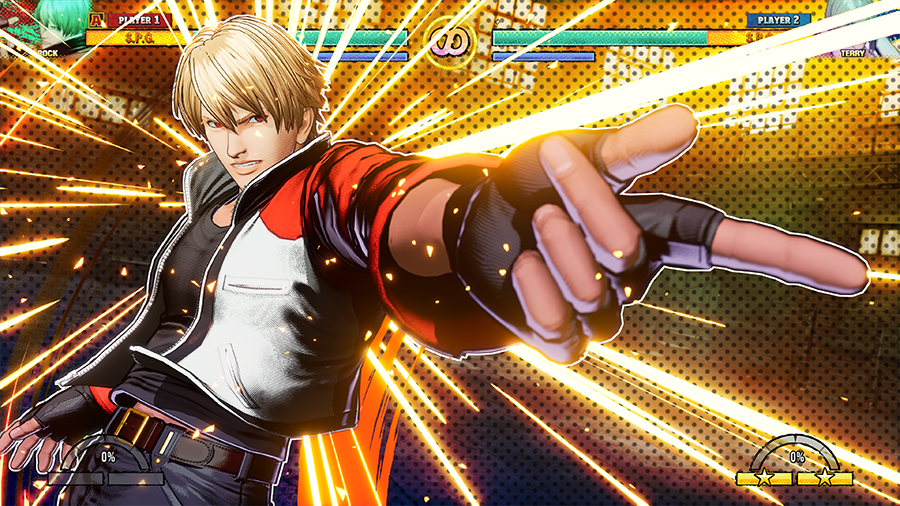
Arcade Style
- ↓↘→↓↘→ + R1
Smart Style
- R1 □△
This ultimate technique can only be unleashed while S.P.G. is active and both power gauge bars are full.
If it hits, your REV Meter will drop back down to 0%.
Combination Attack
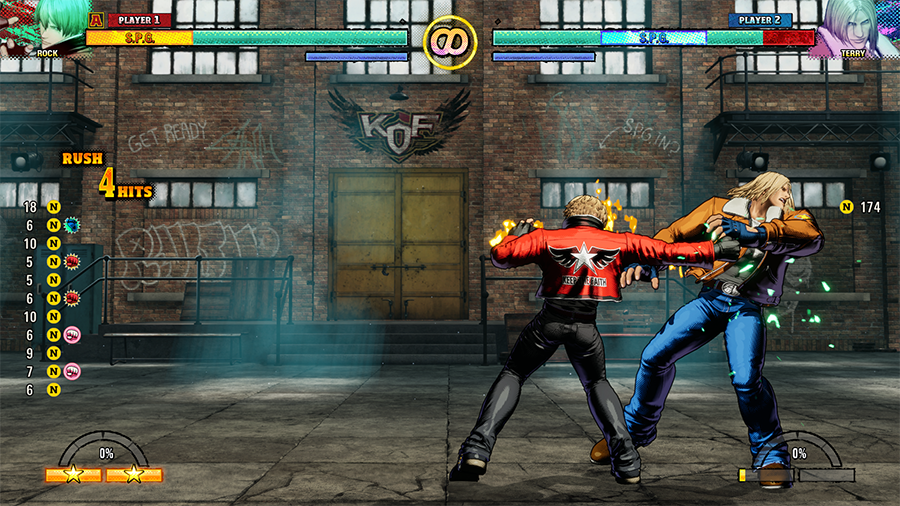
Arcade Style
- □ > △ > △ > 〇
Smart Style
- □ > □ > □ > □
In Arcade Style, use different inputs on the third or fourth hit to switch things up. You'll perform different actions depending on the buttons pressed.
If S.P.G. is active you can even combo into a REV Blow afterward.
Smart Combo
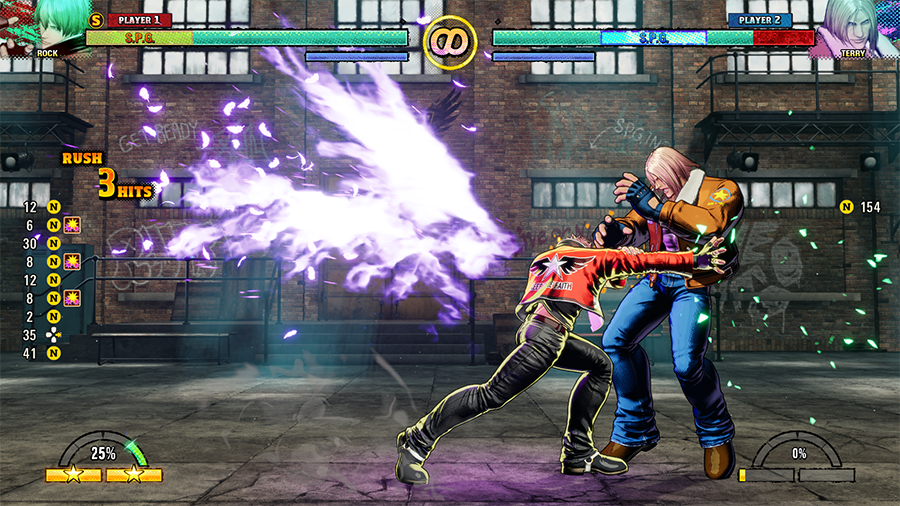
Smart Style
- 〇 repeatedly with good timing
One-button combos available in Smart Style. Press the Smart Combo button repeatedly to perform them.
Hit the Smart Combo button button repeatedly to perform a simple auto-combo.
If S.P.G. is active you can even follow up with a REV Blow.
Throws and Throw Techs
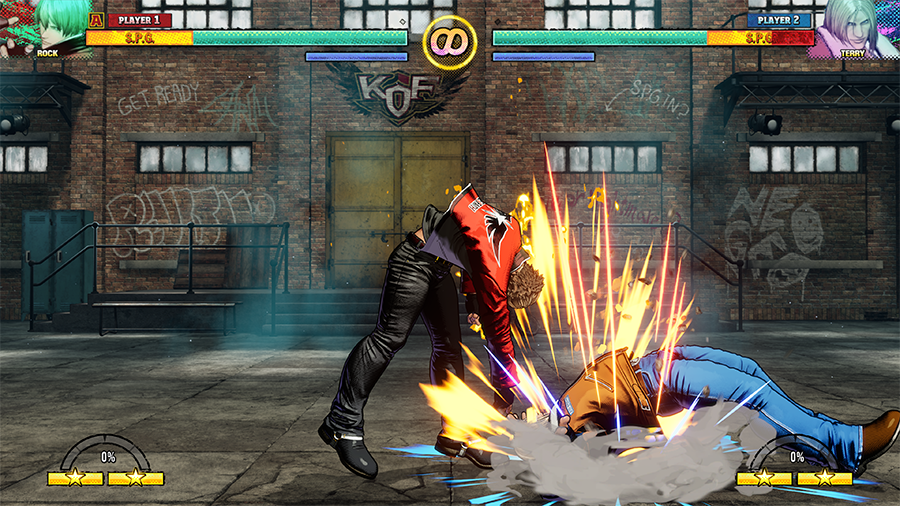
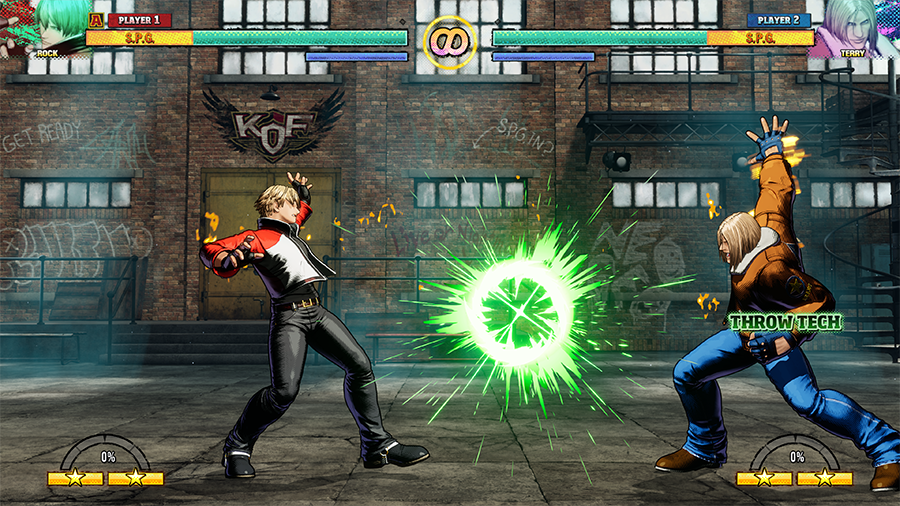
Arcade Style
- □×
Smart Style
- L1
Input a throw command near an opponent to hurl them away. Throws are unblockable.
Some characters can even perform throws while in midair. To shrug off (or "tech") a throw, input a throw command at just the right moment.
- Throw techs don't work against special move throws (also known as "command throws").
Blocking
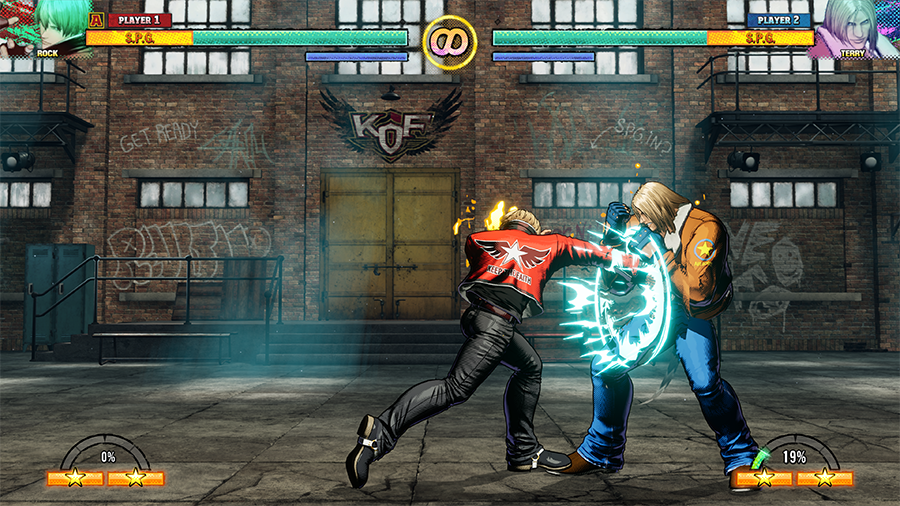
To block incoming offense, input a direction away from the opponent.
There are both standing and crouching guards, and some attacks can only be blocked by one or the other.
- Both normal and command moves can be blocked without incurring damage. However, you will still take chip damage when blocking against special moves and Ignition Gears.
If you block an opponent while overheated, the guard gauge will deplete.Once the gauge reaches zero, the character's guard will be crushed, leaving them temporarily vulnerable.
Wakeup Roll
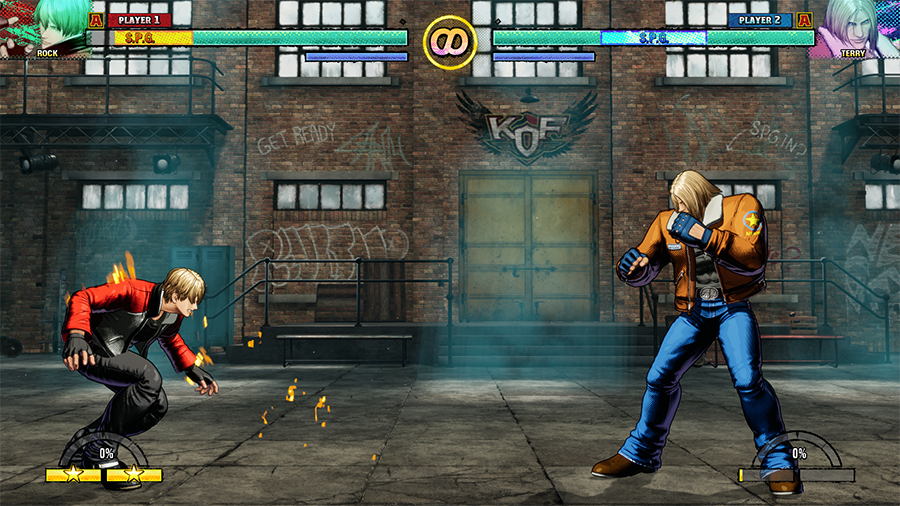
Arcade Style
- ← or → + □ or △
Smart Style
- ← or → + □ or ×
When being knocked down by an opponent, input the command at just the right moment to get back up with a roll.
Note that you can't do a wakeup roll after certain moves.
Just Defense
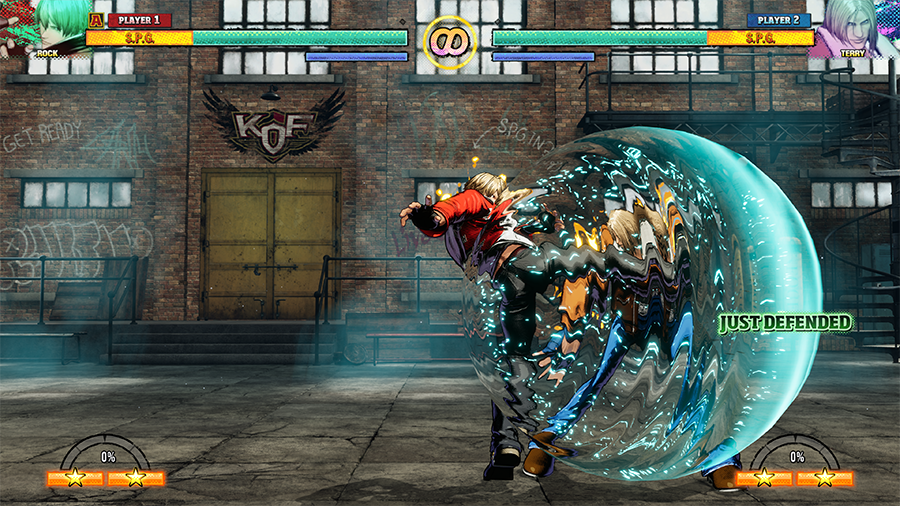
Just Defense is when you block an attack at just the right time.
Performing a Just Defense slightly recovers your health, cools your REV Meter, and grants an opportunity to perform a guard cancel.
Hyper Defense
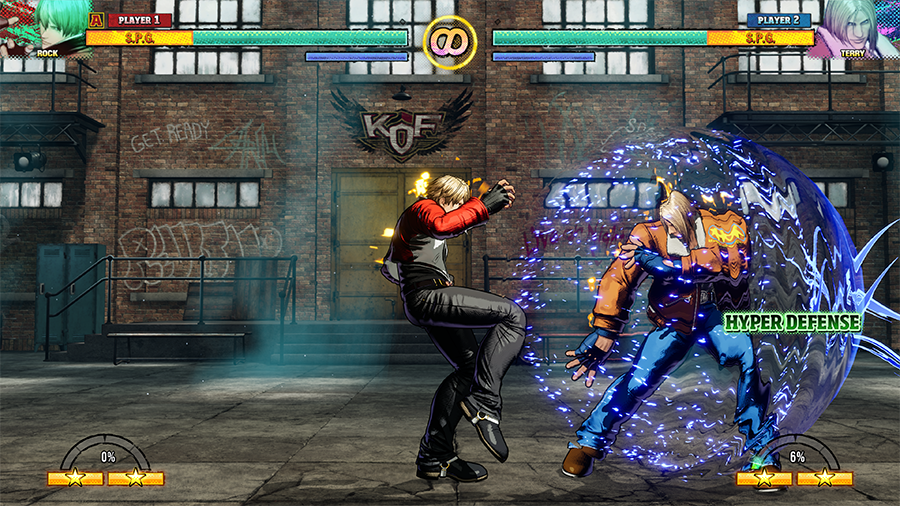
Block the first hit of a multi-hit attack normally, then do a forward input at exactly the right moment to perform a Hyper Defense.
The benefits are the same as a Just Defense: slight health recovery, a reduction in the REV Meter, and the ability to perform a guard cancel.
Hyper Defense can be tricky to pull off, but don't give up! If successful, you'll be able to guard cancel at any time during block stun.